A connected appliance can be genuinely useful. Remote preheating, a notification that laundry is finished, a thermostat that responds to your routine, or a guided recipe can remove small pieces of domestic friction.
But those conveniences are not all made equal. Some happen inside the product. Others require your Wi-Fi network, a phone app, an account, or a manufacturer’s servers. The distinction matters most when something changes: the router fails, you replace your phone, an app is withdrawn, or the company stops supporting a service.
Before buying, ask a less glamorous question than “What can the app do?”: what can this appliance still do from its own controls, without the app?
The answer is product-specific. A connected oven, thermostat, washing machine or robot vacuum may remain useful without its online features—or it may become much less convenient to set up, adjust or recover after a change at home. The sensible purchase is not necessarily the least connected one. It is the one whose offline fallback you can accept for the years you expect to own it.
The important test: can it still do its main job?
“Smart” does not tell you much about an appliance’s practical independence. It describes a collection of possible features, not the boundary between the appliance itself and the services around it.
A useful connected product can have a straightforward local core. Suvie’s guidance on using its appliance without Wi-Fi or internet says it can still operate as a countertop oven through the controls on the device, allowing basic cooking functions and cooks to be started directly. Yet its internet-delivered recipe access, mobile-app controls, notifications, scheduling and remote debugging are unavailable while it is offline.
That is a legible trade-off. The appliance still cooks; the connected layer makes it more convenient and provides access to parts of the wider service.
The same distinction appears in a different category. The Honeywell Home FocusPRO S200 documentation says its temperature can be adjusted at the thermostat when Wi-Fi is lost. However, geofencing managed through the Resideo Connect app will not work while the connection is down. If you need heat or cooling now, the local control remains useful. If you bought the product primarily for location-based automation, the loss is more significant.
Neither example proves that all connected appliances retain a useful local mode. It shows why the question must be asked model by model. The product page may celebrate the app; the manual is more likely to explain what happens when the connection disappears.
Sort the features by what they depend on
Marketing descriptions tend to put every capability in one attractive list: schedules, voice controls, remote monitoring, guided modes, alerts, automation. Before treating those features as part of the appliance you are buying, sort them by dependency.
1. Controls on the appliance
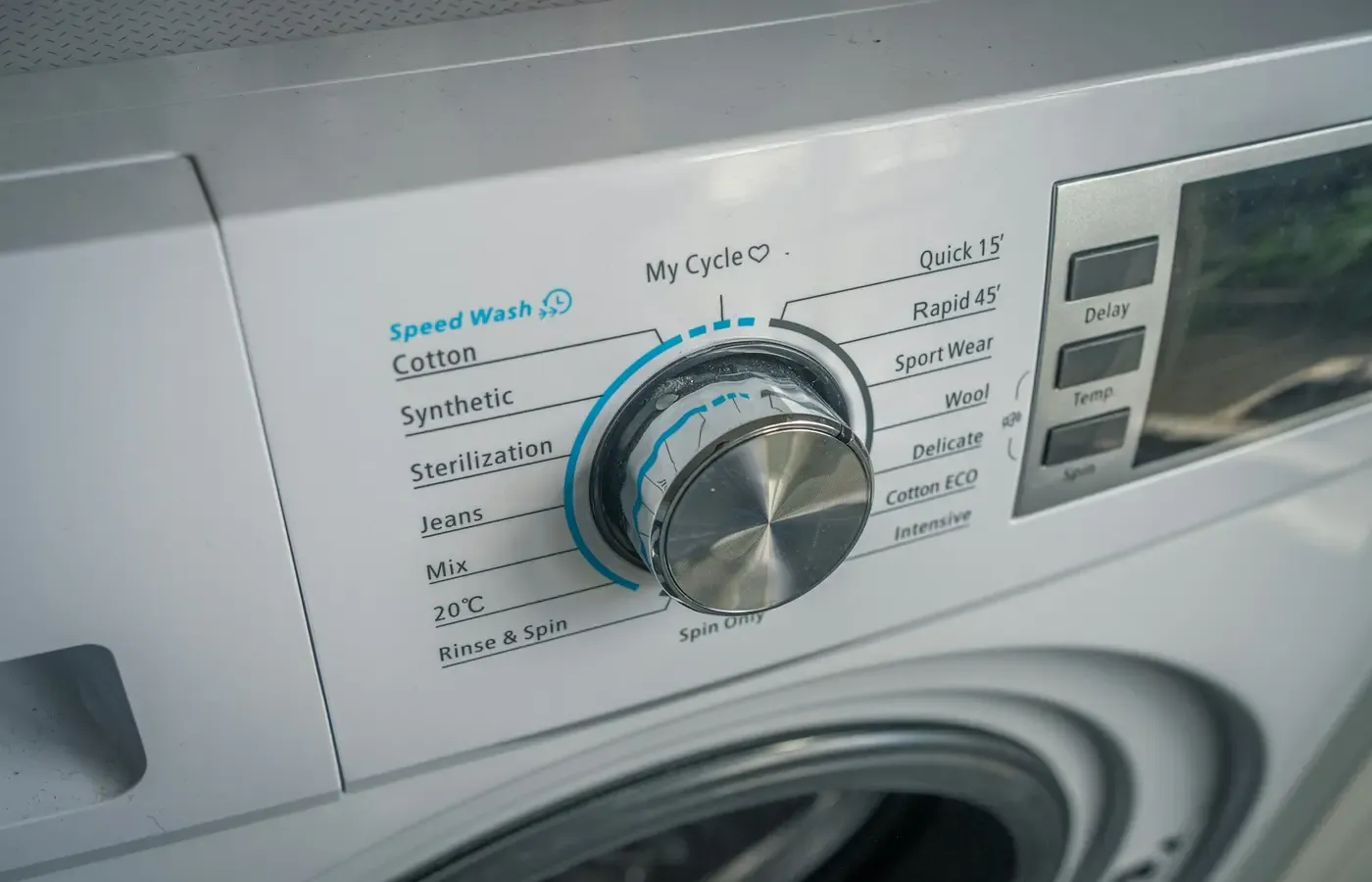
These are functions you can operate from buttons, a dial, a screen or another direct interface on the product itself. Depending on the model, that might include selecting a cycle, adjusting a temperature, starting a cooking program, or viewing an error message.
Direct controls are not automatically better in every respect. They can be slower than an app, less detailed, or awkwardly designed. But they give you a fallback when your phone is flat, the broadband is out, or you simply do not want to sign in to turn something on.
The key question is not whether an appliance has physical controls. It is whether those controls cover the tasks you consider essential.
2. Features that need your home network
Some products need local Wi-Fi to communicate with your phone, a hub or other devices in the house. A local connection may be enough for certain functions, while other features require the appliance to reach the internet as well.
Documentation does not always make this boundary obvious. “Wi-Fi enabled” does not tell you whether the app can work only on the same network, whether it works from outside your home, or whether every command passes through a remote service. If this matters to you, ask support before buying and retain the answer with your purchase records.
3. Features that need an account and app
An app can be more than a remote control. It may be where schedules, household members, notifications, warranties, recipes or integrations are managed. That can be acceptable, particularly where an app adds meaningful control rather than duplicating a perfectly usable panel. It also means a phone replacement, password problem or app-store change can become an appliance-management problem.
Account requirements may also involve regional conditions. Gaggenau’s US Home Connect terms of use state that using the registered portion of the service requires a user account and a SingleKey ID. The terms also say that features and services can vary by country.
That is not evidence that every Gaggenau appliance needs an account for basic operation. It is a reminder that connected services can be conditional: on registration, location and the particular service offered in your market.
4. Features that need the manufacturer’s cloud
Remote access, voice-assistant links, server-hosted recipes, cloud notifications and some forms of troubleshooting are commonly presented as appliance features. In practice, they can depend on a continuing service operated by someone else.
Suvie, for example, identifies remote control, notifications, scheduling, recipe retrieval and remote debugging as functions that need internet connectivity. The FocusPRO S200 manual identifies app-managed geofencing as unavailable during a Wi-Fi outage.
This does not make such features frivolous. Remote notification can be useful for a caregiver, a busy household or a second home. Scheduling may solve a real routine problem. The consumer question is whether the appliance remains worth its price if those features are temporarily—or permanently—absent.
Read the manual before the product page
The most helpful documents are often not in the sales material. Look for the installation manual, user manual, support articles, privacy notice, service terms and app-store listing. You are looking for the product’s operating boundary, not just its feature list.
A five-minute check can reveal far more than a comparison table.
Questions worth answering before checkout
- Can you complete the appliance’s main task from its own controls?
- Is an account required during setup, or only for optional connected features?
- Does the appliance require Wi-Fi, internet access, or both?
- What works when Wi-Fi is unavailable?
- What works if broadband is down but the local network remains active?
- Can you reconnect the appliance after changing router, password, phone or email address?
- Can more than one household member use it without sharing one login?
- Are app features available in your country and language?
- Does the manufacturer explain what happens if an app or cloud service is discontinued?
- Can you use the product satisfactorily if remote functions disappear?
The FocusPRO S200 documentation offers a useful example of the level of specificity to look for: it says the thermostat can still be adjusted directly during a Wi-Fi loss and will automatically reconnect once the network is restored. That tells a buyer both the immediate fallback and one part of the recovery path.
By contrast, vague phrases such as “smart control” or “connected experience” do not answer these questions. If support material is silent about loss of service, do not infer that the feature will work offline. Treat the answer as unknown.
Remote convenience is conditional convenience
Connected features should be evaluated like any other service: for the benefit they offer, the extra cost or complexity they introduce, and the consequence if they stop being available.
The strongest reason to pay for connectivity is not novelty. It is a repeated task that it genuinely improves. A thermostat’s local controls may be sufficient for many homes, while a person with an irregular work pattern may find geofencing worth the dependency. Someone who uses guided cooking programs every week may value a recipe service more than someone who wants a dependable countertop oven with a timer.
The weaker case is paying more for a product whose ordinary controls have been reduced to make the app feel necessary. A poor panel does not become good ownership merely because a phone can compensate for it.
There is also a difference between an outage and a service decision. A lost Wi-Fi connection may be resolved by restarting a router. An app withdrawal or cloud shutdown is outside the household’s control.
Belkin’s Wemo support notice provides a concrete example, though it concerns select Wemo products rather than appliances generally. The notice says Wemo cloud services and app support for affected products were to end effective January 31, 2026. It says cloud-based features including remote access and voice-assistant integrations would no longer function, and that new setup or reconfiguration through the Wemo app or HomeKit would not be possible after that date.
The notice should not be stretched into a prediction that every connected appliance will lose support. It does show why “works today” is not the same thing as “works for the expected life of the product.” A feature based on an ongoing app and cloud service is a continuing arrangement, even when no separate subscription is advertised.
Ask what remains when the service goes away
A connected appliance has a fallback state. Your job before buying is to find it and decide whether you can live with it.
For one product, the fallback may be excellent: the appliance continues doing its central job with local settings, while remote monitoring disappears. For another, basic operation may remain possible but changing network details or adding a new household member could become difficult. In the worst case, the product may be hard to set up again after a move or router replacement.
Think through ordinary ownership events, not just dramatic failures:
- You change internet provider and receive a new router.
- You replace a phone or change its operating system.
- You move house.
- A family member who managed the account is unavailable.
- The manufacturer changes its app, login system or regional service.
- The product is sold or passed on to someone else.
The right answer will vary with the appliance’s role. A connected coffee machine is usually easier to treat as a convenience purchase than a thermostat that affects comfort and household routines. But even a small appliance can become irritatingly disposable if basic controls are weak and recovery depends on a defunct app.
For this reason, an account requirement is not automatically a reason to reject a product. It is a reason to assess the exit. Can you still use the thing you paid for if you stop using the account? Can another person take it over? Is there a clear local mode? Is the connected layer valuable enough to justify those compromises?
A five-minute checkout checklist
Before buying a connected appliance, write down the one or two jobs you need it to do. Then use this decision card.
| Check | What to verify | A reassuring answer |
|---|---|---|
| Essential task | What must the product do every day? | It can do that task from the appliance itself. |
| Direct controls | Which settings remain available without a phone? | The panel covers normal use, not only emergency use. |
| Account | Is registration mandatory, and for what? | The documentation separates basic operation from account-only services. |
| Connection | Does it need Wi-Fi, internet or a cloud service? | The manual clearly states what is lost during an outage. |
| Recovery | What happens after a new router, phone or move? | Reconnection and reconfiguration steps are documented. |
| Service life | What happens if support ends? | The offline product remains acceptable to you. |
| Market availability | Are features offered in your country? | The service terms and app listing match your location. |
If you cannot get clear answers, choose conservatively. A simpler model with good on-device controls may be the better purchase. Keeping an existing non-connected appliance may also be the more rational decision if it already performs the task reliably and the connected upgrade solves no recurring problem.
The useful standard is modest: buy the connected features for the work they do now, but buy the appliance for what it can still do when those features are unavailable. If the offline version would feel like a disappointing compromise, the connected version is probably too dependent on the app for your needs.
Sources & methodology
This guide is based on manufacturer documentation supplied in the research package, used to identify product-specific claims about offline operation, account requirements and service changes. Manufacturer documents are appropriate evidence of their stated policies and product instructions, but they do not establish long-term reliability or predict the policies of other brands.
- Suvie: Using Suvie Without Wi-Fi or Internet
- Honeywell Home FocusPRO S200: Frequently Asked Questions
- Gaggenau US: Home Connect terms of use
- Belkin: Wemo Support Ending — What You Need to Know
The Belkin notice is used as a documented example for the affected Wemo products and its stated effective date only. It should not be read as evidence that all connected appliances, all Wemo products or all HomeKit devices have the same outcome.